How to Create a heat map in Excel with or without numbers
Excel has built-in options to make graphs, it doesn’t have a heat map feature. However, you can quickly and easily create a heat map in Excel using conditional formatting.

Excel has built-in options to make graphs, it doesn’t have a heat map feature. However, you can quickly and easily create a heat map in Excel using conditional formatting.
How to count words in Excel using the LEN function along with other Excel functions. It also gives formulas for counting words or text, whether case-sensitive or not, in a cell or range.
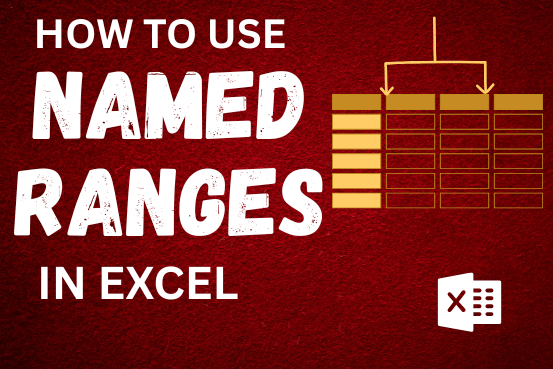
This tutorial explains what an Excel name is and shows you how to define a name for a cell, range, constant, or formula. You’ll also learn how to edit, filter, and delete defined names in Excel.
Excel names are a bit of a paradox: they’re one of the most useful features, but many people find them unnecessary or too technical. That’s because few users truly understand what Excel names can do. This tutorial will not only teach you how to create a named range in Excel but also show you how this feature can make your formulas easier to write, read, and reuse.

The tutorial explains how to use the CHOOSE function in Excel, showing you the basics and some interesting examples. While CHOOSE might seem simple on its own, when you combine it with other functions, it can be powerful. Essentially, the CHOOSE function helps you pick a value from a list based on its position. The tutorial also covers some advanced ways to use CHOOSE that you might find very useful.
The tutorial demonstrates how to find a date any number of days before or after today, counting either all days or only business days.
This guide will show you quick and easy methods to find the number of days between dates in Excel.
Do you need to know how many days are between two dates? Maybe you want to find out the days between today and a date in the past or future, or just count the working days between two dates? Whatever you need, one of the examples below will help you find the solution
If you have data on paper that you want to add to Excel, you can take a photo of it, save the photo to your computer, and upload the data into Excel. This saves time…
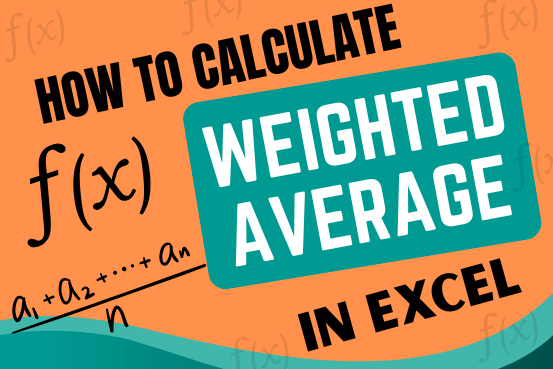
Microsoft Excel is a useful tool for analyzing data and conducting statistical research. The program includes numerous functions for performing various statistical calculations. One of the essential measures Excel supports is the weighted average.

Microsoft Excel helps you organize and work with data in many ways. When you have a lot of information or need to break it into parts, splitting cells is very useful. Splitting cells means taking the content of one cell and dividing it into multiple cells. This can be especially helpful for separating names, addresses, or other data that are combined in one cell. Learn how to split cells in Excel using its built-in functions and formulas.
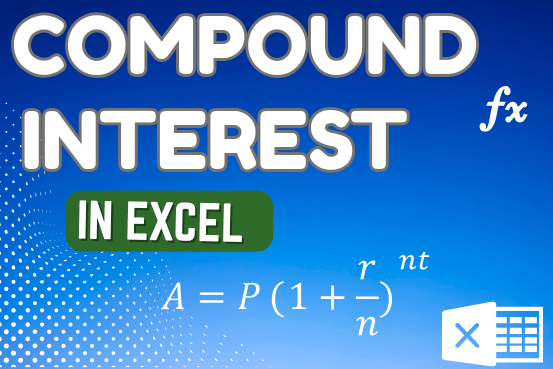
How to use the compound interest formula in Excel and gives examples of how to calculate the future value of an investment with yearly, monthly, or daily interest. It also shows you step-by-step how to make your own Excel compound interest calculator.