EXCEL TEXT FUNCTION
TEXT function is used to change the formatting or appearances of the text. There are various types of formatting available.

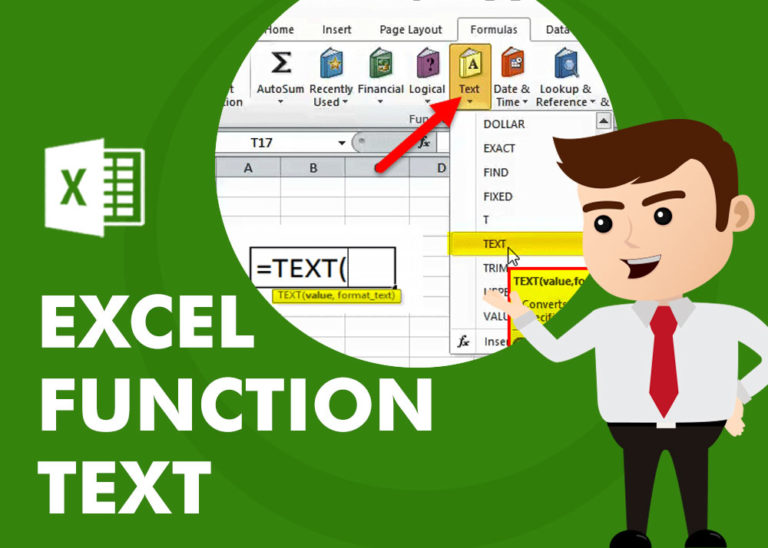
TEXT function is used to change the formatting or appearances of the text. There are various types of formatting available.
REPT function is used to repeat the text or cell reference to multiple times
SUBSTITUTE function is used to substitute the existing old text to new text.
SEARCH function is used to find “position of character or text” in an available cell and this function is NOT case sensitive.
FIND function is used to find the position of text, or character in an available string.
LOWER function is used for changing the format of any text or string to LOWER case.
How to use Excel Function PROPER? PROPER function is used for changing the format of any text or string to PROPER or SENTENCE Case. PROPER Function has argument only one argument i.e. text, which makes the function…

UPPER function is used for changing the text/string to UPPER case in Microsoft Excel. The output of the function returns value in new cell.

LEN function is used for counting number of characters in available string. The output of the function returns the count in new cell.

RIGHT function is used for extracting the “Right Most” characters from the available string in Microsoft excel. Function returns value to new string.