EXCEL FUNCTION – COUNTIFS
COUNTIFS function is used to get the total count for number of times the various criteria across ranges are met.

Excel Functions: An easy-to-follow guide to using functions in Microsoft Excel. Learn how to do quick calculations, analyze information, and solve common tasks with built-in functions like SUM, AVERAGE, and VLOOKUP. Great for beginners who want to work with data more easily and efficiently.
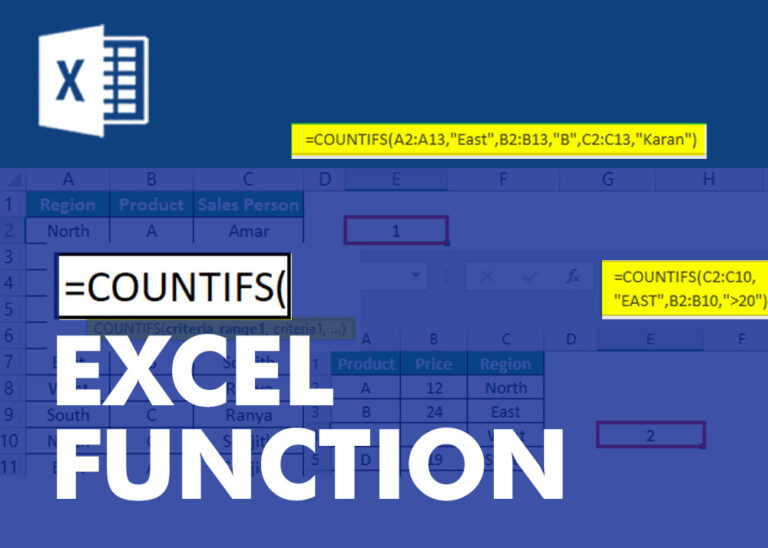
COUNTIFS function is used to get the total count for number of times the various criteria across ranges are met.
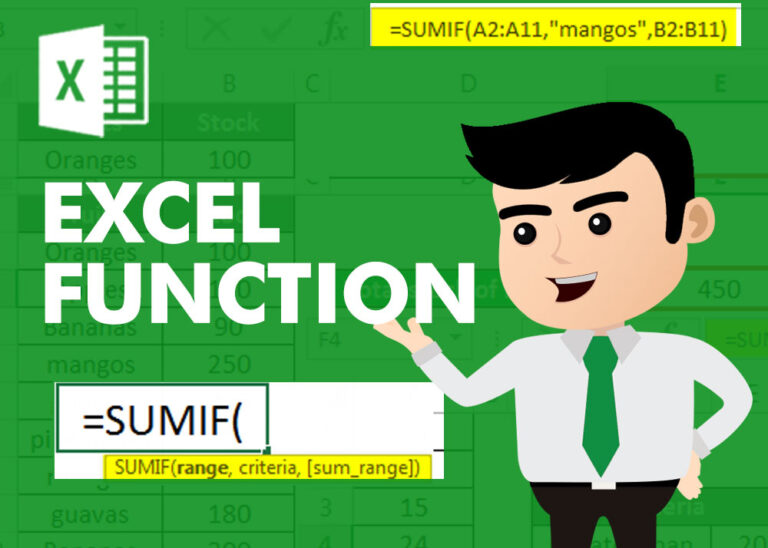
SUMIF function is used to get the “total sum” for number of times the criteria across range is met. SUMIF Function has two required arguments.
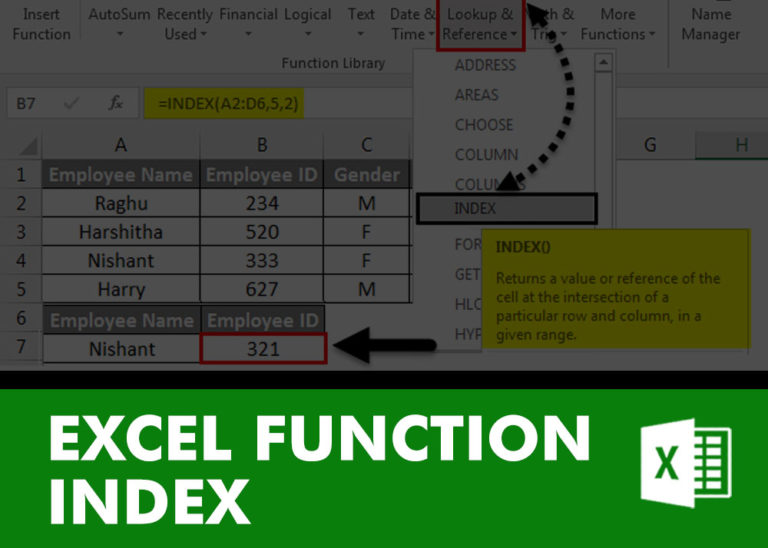
INDEX function is used to get the value from a cell range or table, function returns the value from a table where row and column intersect with each other.
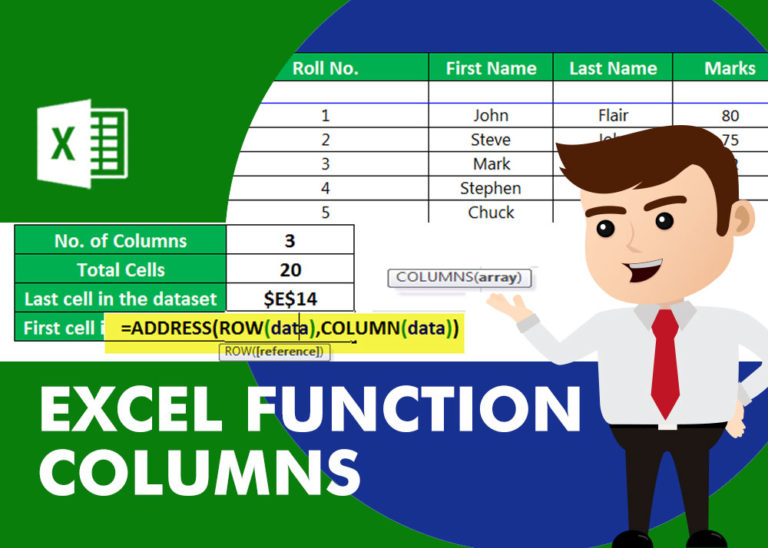
COLUMNS function is used to get the total count of columns in an array or in cells range for excel worksheet.
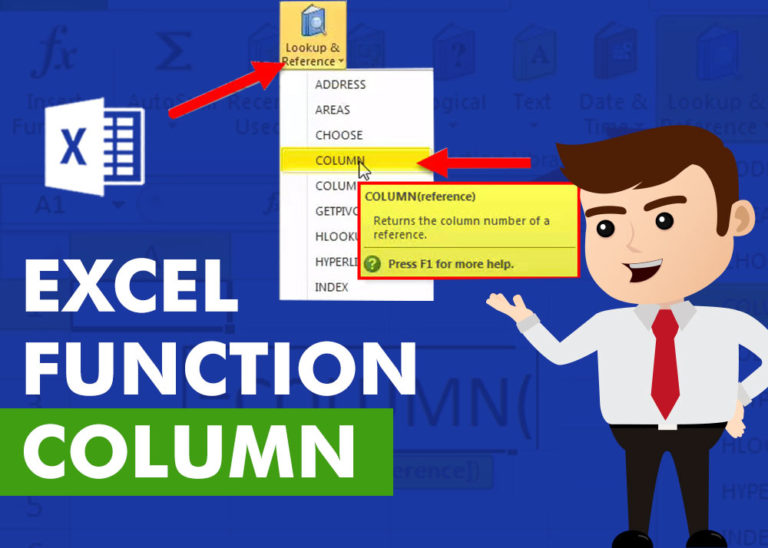
COLUMN function is used to get the column reference number of the excel worksheet. COLUMN Function has only one argument.
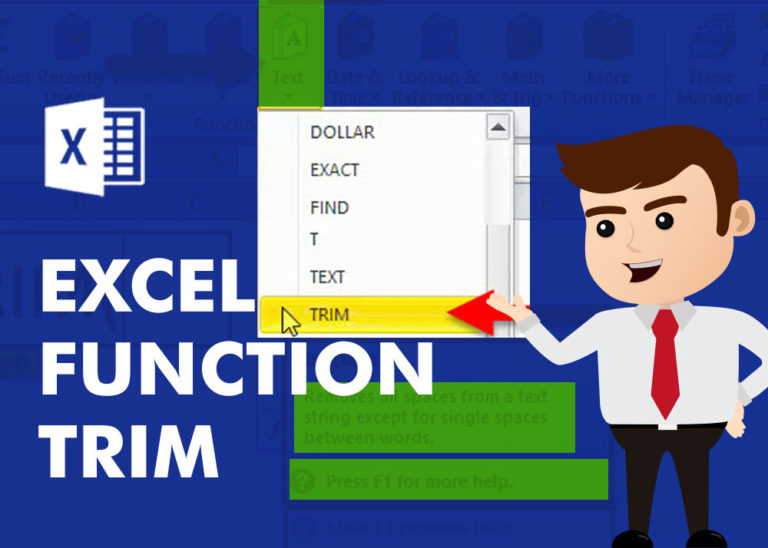
TRIM function is used to remove the additional spaces (i.e. spaces before/after/between the words) except for single space between words.
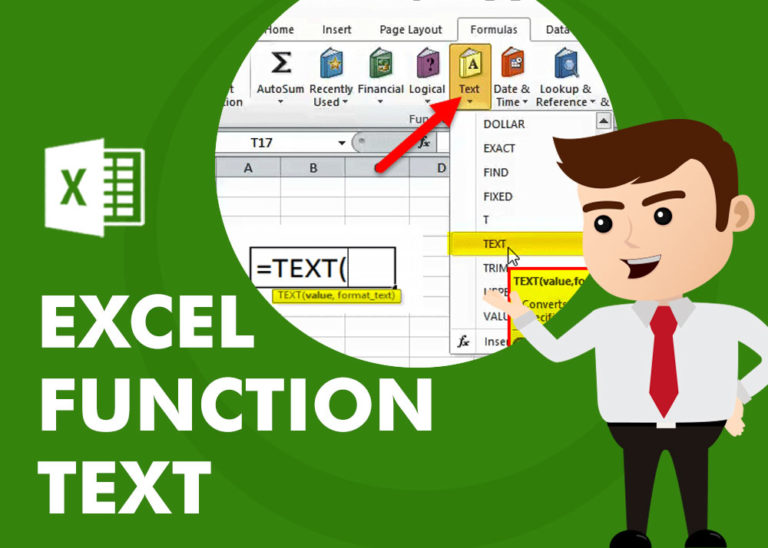
TEXT function is used to change the formatting or appearances of the text. There are various types of formatting available.
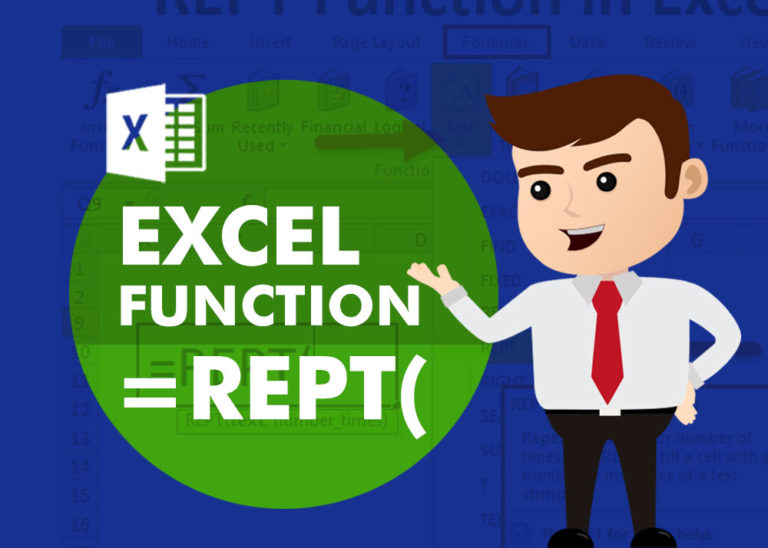
REPT function is used to repeat the text or cell reference to multiple times
SUBSTITUTE function is used to substitute the existing old text to new text.
SEARCH function is used to find “position of character or text” in an available cell and this function is NOT case sensitive.