EXCEL FUNCTION – FIND
FIND function is used to find the position of text, or character in an available string.

Excel Functions: An easy-to-follow guide to using functions in Microsoft Excel. Learn how to do quick calculations, analyze information, and solve common tasks with built-in functions like SUM, AVERAGE, and VLOOKUP. Great for beginners who want to work with data more easily and efficiently.
FIND function is used to find the position of text, or character in an available string.
LOWER function is used for changing the format of any text or string to LOWER case.
How to use Excel Function PROPER? PROPER function is used for changing the format of any text or string to PROPER or SENTENCE Case. PROPER Function has argument only one argument i.e. text, which makes the function…

UPPER function is used for changing the text/string to UPPER case in Microsoft Excel. The output of the function returns value in new cell.

LEN function is used for counting number of characters in available string. The output of the function returns the count in new cell.
RIGHT function is used for extracting the “Right Most” characters from the available string in Microsoft excel. Function returns value to new string.
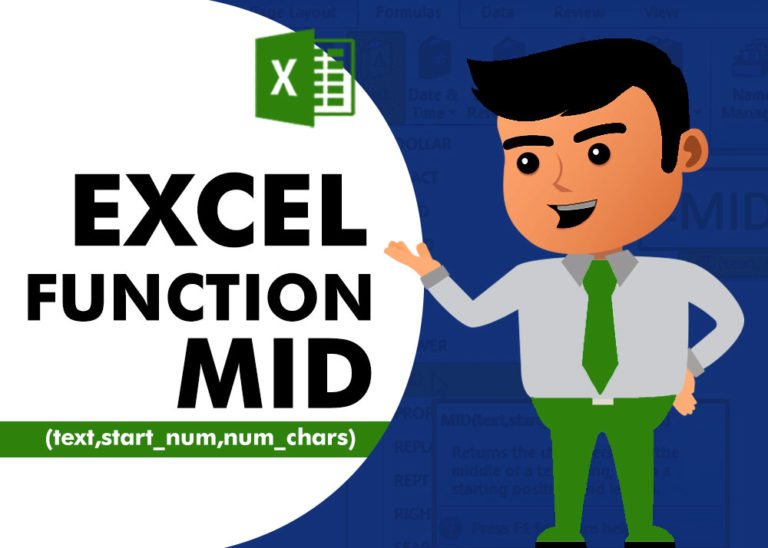
MID function is used for extracting the mid characters from the available string. The output of the function returns the extracted characters in new cell.

LEFT function is used for extracting the “Left Most” characters from the available string. The output of the function returns the extracted characters in new cell

CONCATENATE function is used for combining two or more Microsoft Excel strings into one. The output of the function returns as a combined string in new cell.

Microsoft Excel “TODAY” function is used to get the current Date. It is very useful function and can be used in many ways. “TODAY Function” does not have any argument that makes this easy to apply and implement.