EXCEL FUNCTION – ROUND
ROUND function rounds the number value to nearest digit mentioned in argument.
ROUND function has two required arguments i.e. number and num_digits

Excel Functions: An easy-to-follow guide to using functions in Microsoft Excel. Learn how to do quick calculations, analyze information, and solve common tasks with built-in functions like SUM, AVERAGE, and VLOOKUP. Great for beginners who want to work with data more easily and efficiently.
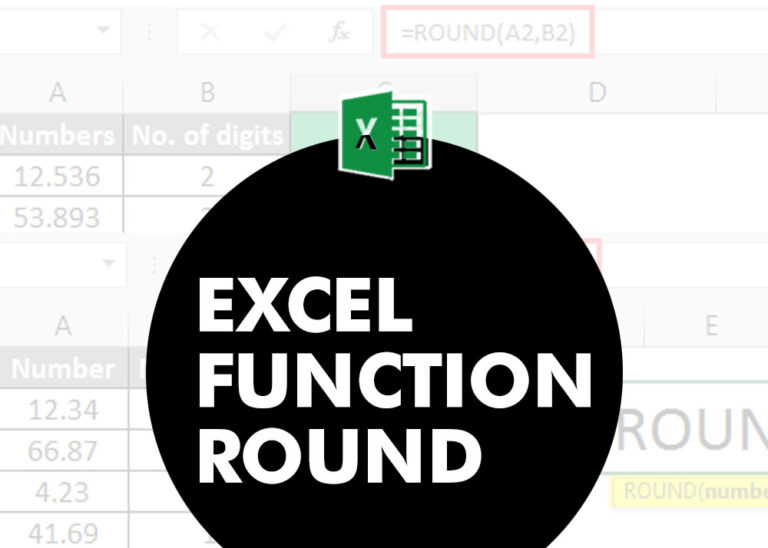
ROUND function rounds the number value to nearest digit mentioned in argument.
ROUND function has two required arguments i.e. number and num_digits

MATCH function performs lookup for a value in a range and returns its position sequence number as output. It has two required and one optional arguments

MIN function is used to get the smallest number in range or list of values.MIN function has one required i.e. number1 and optional argument i.e. [number2]
MAX function is used to get the largest number in range or list of values. MAX function has one required argument i.e. number1
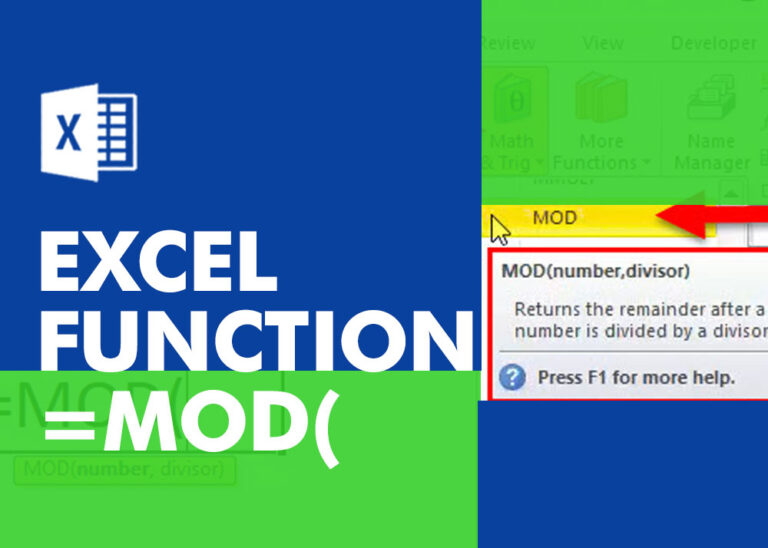
MOD function is used to get the remainder of number that is divided by divisor. MOD Function has two required arguments i.e. number and divisor.
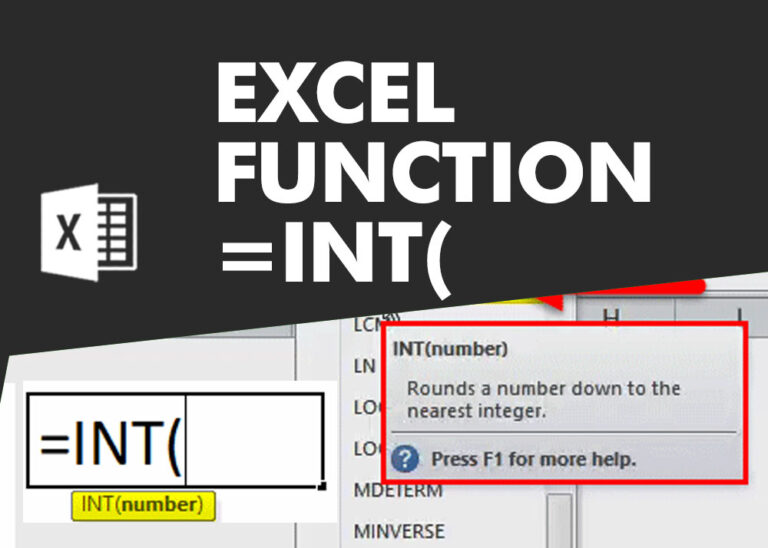
INT function is used to round down the numeric value to nearest integer. INT Function has one required argument i.e. number.
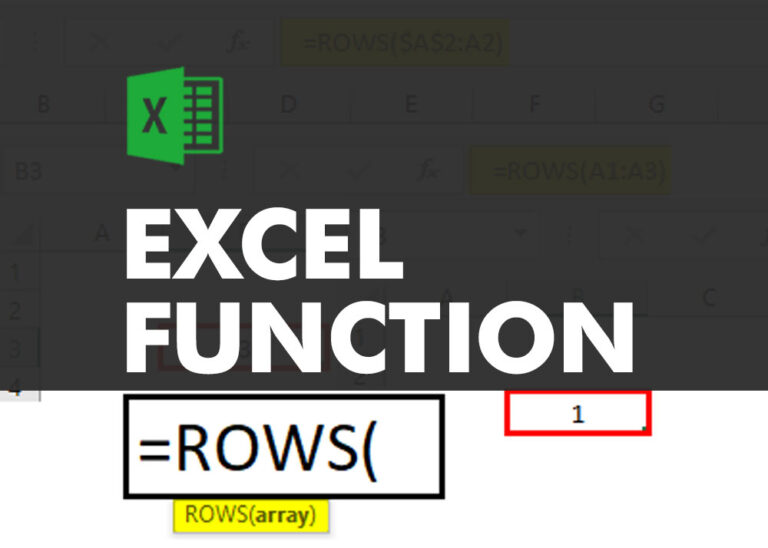
ROWS function is used to get the total count of rows in an array or in cells range in an excel worksheet.
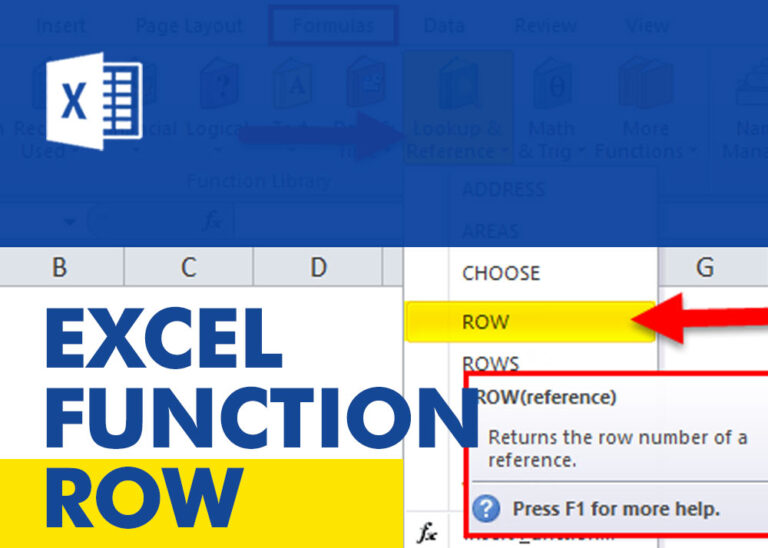
ROW function is used to get the row reference number of the excel worksheet. ROW Function has only one argument i.e. reference,
INDIRECT function is used to convert the text/string into cell reference. Function provides output as the value of that cell reference.
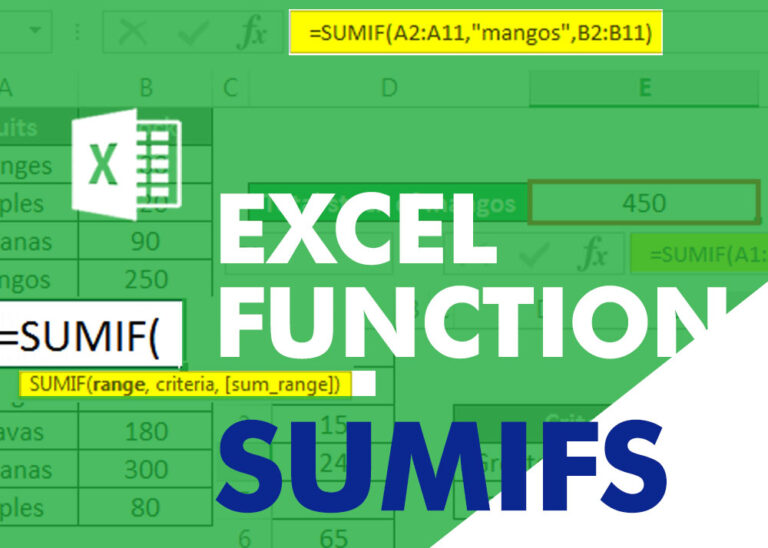
SUMIFS function is used to get the “total sum” of values for matching criteria across range. SUMIFS Function has required and optional arguments