EXCEL FUNCTION – AVERAGEIF
AVERAGEIF function is used to get the “average” of values for matching criteria across range. Average = Sum of all values / number of items.


AVERAGEIF function is used to get the “average” of values for matching criteria across range. Average = Sum of all values / number of items.

AVERAGE function is used to get the average of numbers. Function applies formula i.e. average = Sum of all values / (Divided by) number of items.

RANK function performs the Ranking in a range or list of numbers. Function returns the rank position and can assigned as highest or lowest value as 1st Rank

SUMPRODUCT function performs multiplication of numbers within arrays and then sum the values SUMPRODUCT function has array1, 2.. arguments.
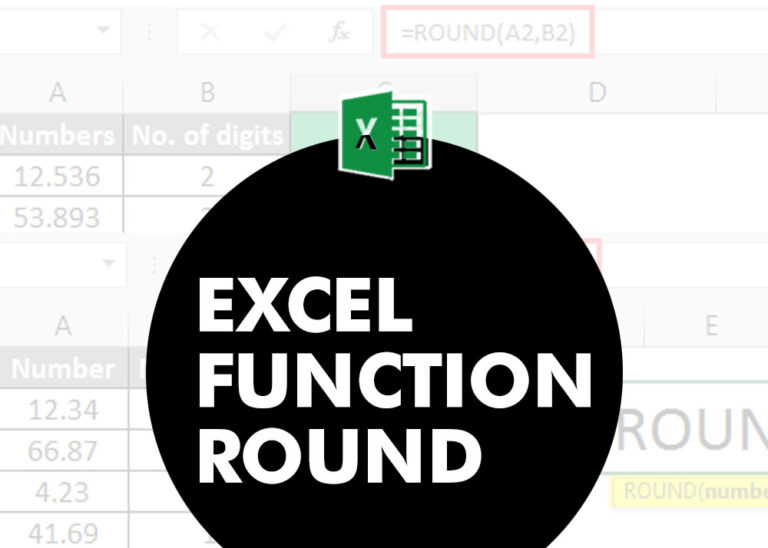
ROUND function rounds the number value to nearest digit mentioned in argument.
ROUND function has two required arguments i.e. number and num_digits

MATCH function performs lookup for a value in a range and returns its position sequence number as output. It has two required and one optional arguments

MIN function is used to get the smallest number in range or list of values.MIN function has one required i.e. number1 and optional argument i.e. [number2]

MAX function is used to get the largest number in range or list of values. MAX function has one required argument i.e. number1
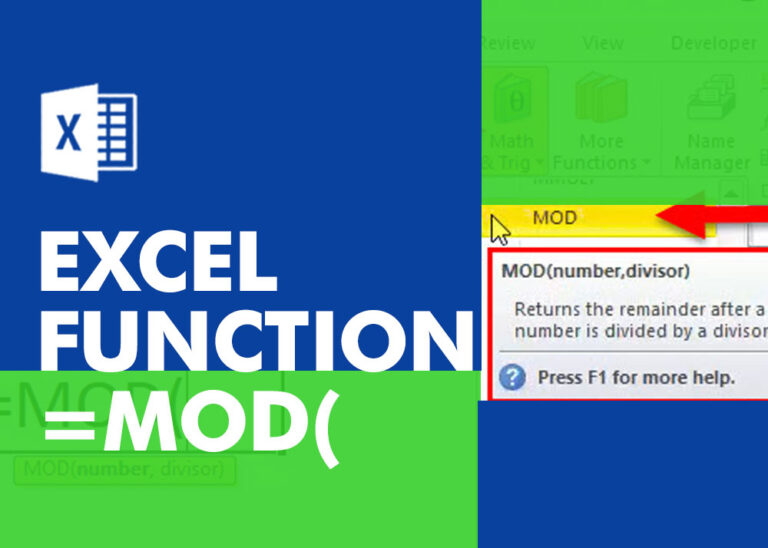
MOD function is used to get the remainder of number that is divided by divisor. MOD Function has two required arguments i.e. number and divisor.
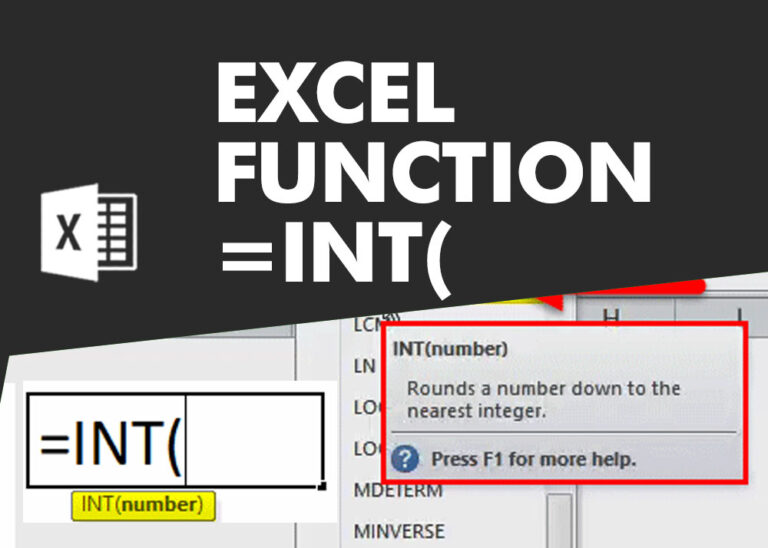
INT function is used to round down the numeric value to nearest integer. INT Function has one required argument i.e. number.